Guide · SketchUp
Enscape for SketchUp Interiors: Materials and Lights
3DSAW · Updated
Enscape renders a SketchUp model in real time, so a furnished room can be checked, adjusted and shown to a client while you are still designing it. Most of the realism comes from three places: the materials, the lights and the models you furnish the room with.
This guide covers what Enscape needs to run, how to finish materials on downloaded models, how to make lamp shades and screens glow, and how to keep a fully furnished scene responsive.
What do I need to run Enscape with SketchUp?
SketchUp 2024, 2025 or 2026 and a graphics card with its own memory: Chaos lists 4 GB of dedicated VRAM as the minimum and 8 GB as recommended. Enscape also runs on Apple silicon Macs.
| Minimum | Recommended | |
|---|---|---|
| SketchUp | 2024, 2025 or 2026 | Latest update of your version |
| Graphics card (Windows) | Dedicated GPU with 4 GB VRAM that supports Vulkan 1.1 | NVIDIA GeForce RTX 3070 Ti or AMD RX 6800 |
| VRAM | 4 GB | 8 GB |
| Operating system | Windows 10 or higher | Windows 10 or higher |
Enscape does almost all of its work on the graphics card, and integrated graphics with shared memory aren't enough for most projects. Chaos also recommends a wired internet connection, since Wi-Fi can slow down loading from the Enscape Asset Library. Full list: System Requirements.
How do I finish materials on a downloaded SketchUp model?
Enscape renders the SketchUp materials as they are; open the Enscape Material Editor to add what SketchUp materials don't carry — roughness, bump, reflections and, for metals, the metallic setting.
| Surface | What to change | Why |
|---|---|---|
| Polished marble, lacquer, glass tabletops | Lower roughness | Lower values reflect the room more sharply |
| Upholstery, linen, bouclé | Keep roughness high; add bump with Use Albedo | Matte surface with visible weave |
| Wood with grain | Medium roughness; small bump amount | Soft sheen that follows the grain |
| Brass, chrome, steel | Raise Metallic; lower roughness for polished finishes | Reflections take on the metal's color |
In the Generic material, roughness sits in the Reflections area (default 1.0, fully rough), and Use Albedo in the Bump area turns the color texture into a bump map whose strength you set with Amount. Chaos recommends leaving Specular around 50% for realistic results. See Material Types.
How do I make a lamp shade or a screen glow?
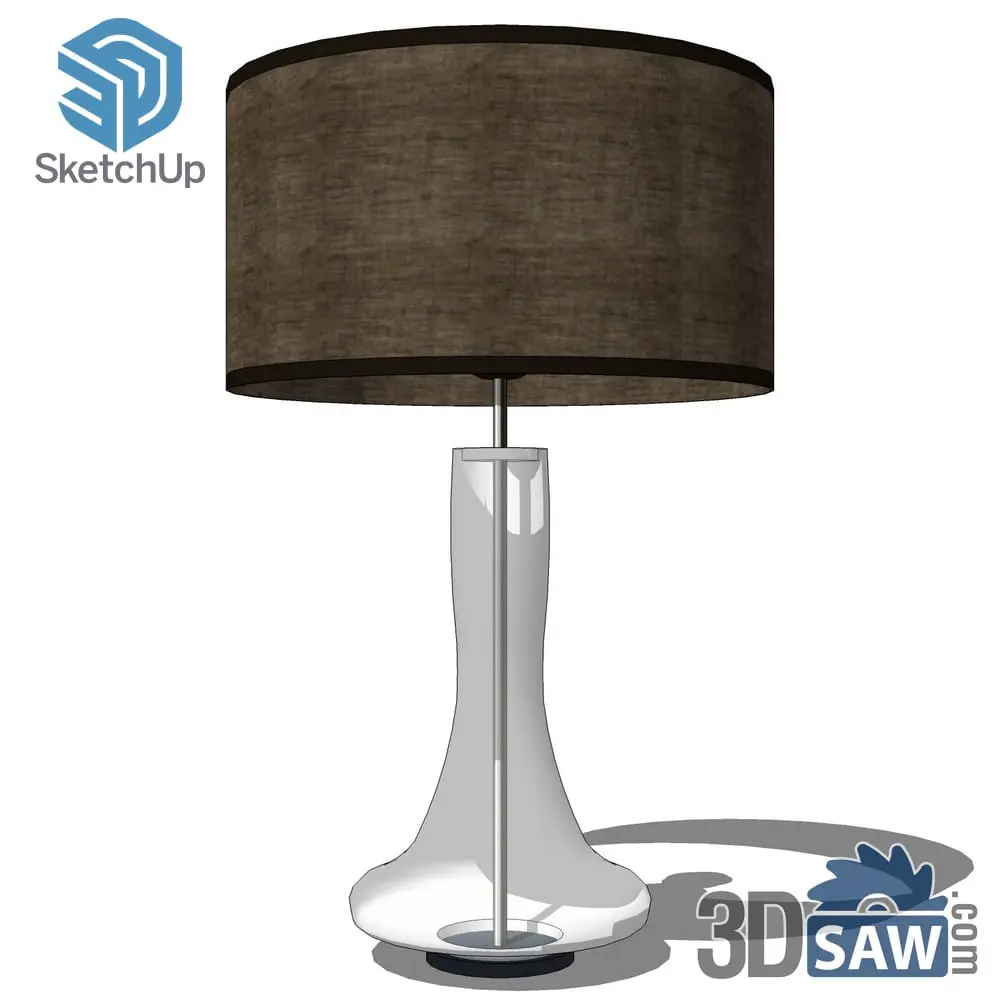
Turn on Self Illumination for that material in the Enscape Material Editor and set its luminance. Chaos suggests starting around 200–500 cd/m² for screens and small glowing elements.
Self-illumination makes a surface look lit — a fabric shade, a TV screen, an LED strip — and the available range runs from 1 to 100,000 cd/m². For light that actually falls on the room, pair it with a real light source inside the fixture. Chaos covers both in Best Practices for Emissive Materials.
How should I light an interior in Enscape?
Place Enscape light objects inside your fixture models — spot lights for downlights and pendants, with an IES profile loaded when you want the real fixture's distribution — and keep each light just off the surface, not touching it.
Loading an IES profile on a spot light replaces the beam angle setting, because the file defines the spread. The full process, including where to place lights in pendants, sconces and floor lamps, is in How to Light a SketchUp Interior with IES Profiles.
How do I keep a furnished scene fast in Enscape?
Bring in only the models the view needs, keep repeated pieces as components and delete anything hidden or unused. Every extra object is more work for the graphics card.
- Import each piece as a component, so ten dining chairs share one definition — see SketchUp Components Explained.
- Download single models rather than whole bundles; a scene full of unused objects still costs memory.
- Use scenes in SketchUp for each camera view, and render one view at a time.
SketchUp bedroom models →Beds, bedding, bedside lamps, wall lights and nightstands in native .skp format.