Guide · 3ds Max & SketchUp
How to Import 3ds Max, OBJ and FBX Models into SketchUp
3DSAW · Updated
You found the right model, but it's a 3ds Max scene, an OBJ or an FBX, and SketchUp won't open it. This guide covers which formats SketchUp actually imports, the cleanest way to get a 3ds Max model across, and how to fix the usual problems with textures and scale.
If the model exists as a native .skp file, skip the conversion entirely — the last section shows why that is almost always the better route.
Can SketchUp open a 3ds Max (.max) file?
No. SketchUp can't read .max files. Export the model from 3ds Max to a format SketchUp imports — COLLADA (.dae) or 3DS (.3ds), or glTF (.glb) on SketchUp Pro and Studio — then import that file into SketchUp.
A .max file is 3ds Max's own scene format, so only 3ds Max opens it. The conversion therefore always happens in 3ds Max: you export an exchange format there, then import it in SketchUp.
Which 3D file formats can SketchUp import?
Besides its own .skp files, SketchUp imports 3DS, COLLADA (.dae), DWG/DXF, STL and glTF (.glb) files. FBX and OBJ are listed as export formats only.
| Format | Import into SketchUp? | Subscription |
|---|---|---|
| .skp | Yes — SketchUp's native format | All |
| .3ds | Yes | Go, Pro, Studio |
| .dae (COLLADA) | Yes | Go, Pro, Studio |
| .dwg / .dxf | Yes | Go, Pro, Studio |
| .stl | Yes | Free, Go, Pro, Studio |
| .glb (glTF) | Yes | Pro, Studio |
| .fbx | No — export only | Go, Pro, Studio |
| .obj | No — export only | Go, Pro, Studio |
Source: Using SketchUp with Other Applications in SketchUp Help. Third-party importer extensions exist for OBJ and FBX, but they are not part of SketchUp itself.
How do I convert a 3ds Max model for SketchUp?
Open the model in 3ds Max, export it as Autodesk Collada (.dae) or 3D Studio (.3ds), keep its texture files in the same folder, then use File > Import in SketchUp and set the import options.
- Open the .max file in 3ds Max and delete anything you don't need — lights, cameras, helper objects — so only the model itself is exported.
- Choose File > Export and pick Autodesk Collada (.dae) or 3D Studio Mesh (.3ds). Newer 3ds Max versions can also export glTF, which SketchUp Pro and Studio import as .glb.
- Put the texture image files in the same folder as the exported file. For 3DS, SketchUp looks for textures next to the .3ds file.
- In SketchUp, choose File > Import, select the file and click Options before importing.
- Turn on Merge Coplanar Faces, which removes the triangle edges that most exporters add, and pick inches or feet as the unit for 3DS files.
- After importing, select the model and make it a component, so it moves and copies as one object.
Both import dialogs are described in SketchUp Help: 3DS, COLLADA and glTF. You can also drag a supported file into the drawing area; the import options open the same way.
Why are textures missing or the scale wrong after importing?
Most problems come from the exchange format, not from SketchUp: 3DS shortens texture file names, very small units drop faces, and renderer materials don't survive any exchange format.
- Missing textures in a 3DS file: the 3DS format stores texture names in the old 8.3 style, so long file names are cut short. Keep the textures next to the .3ds file and rename any long file names before exporting from 3ds Max.
- Missing faces or a tiny model: SketchUp ignores faces smaller than .001 square inches. Import 3DS files in inches or feet, then scale the model if needed.
- Split meshes: the 3DS format holds at most 65,536 vertices and faces per mesh, so a heavy model may arrive in several pieces.
- Triangulated surfaces: leave Merge Coplanar Faces on to clean up flat areas.
- Plain gray or flat materials: V-Ray and Corona materials are specific to those renderers and don't transfer through 3DS or COLLADA. Expect basic colors and image textures at best, then reassign materials in SketchUp or in your renderer.
What about OBJ and FBX files?
SketchUp exports OBJ and FBX but doesn't import them without an extension. The built-in route is to open the file in 3ds Max, which imports both, and export it again as COLLADA or 3DS.
If you work without 3ds Max, a third-party importer extension for SketchUp is the other option. Whichever route you take, check the result the same way: textures, scale and polygon count.
When is a native .skp model the better choice?
Whenever one exists. A model made in SketchUp opens with its components, materials and scale exactly as built, with no export, no lost textures and no cleanup.
That's why the SketchUp catalog on 3DSAW is a separate collection of native .skp files rather than converted 3ds Max models. Each model downloads as its own file, so you only bring in the piece your scene needs.
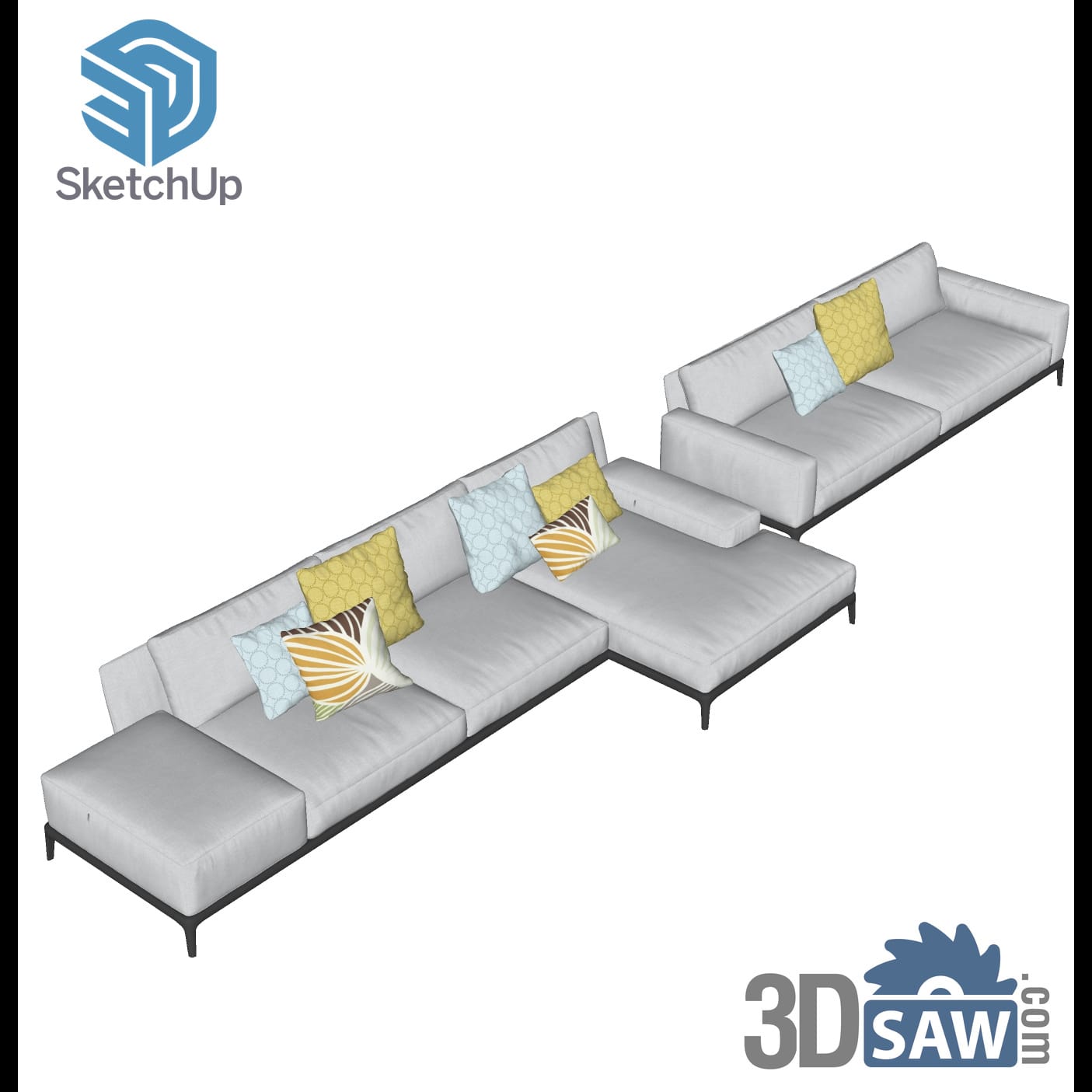
SketchUp Grey Modular Sofa Set with Patterned Cushions
SKP-1445Furniture
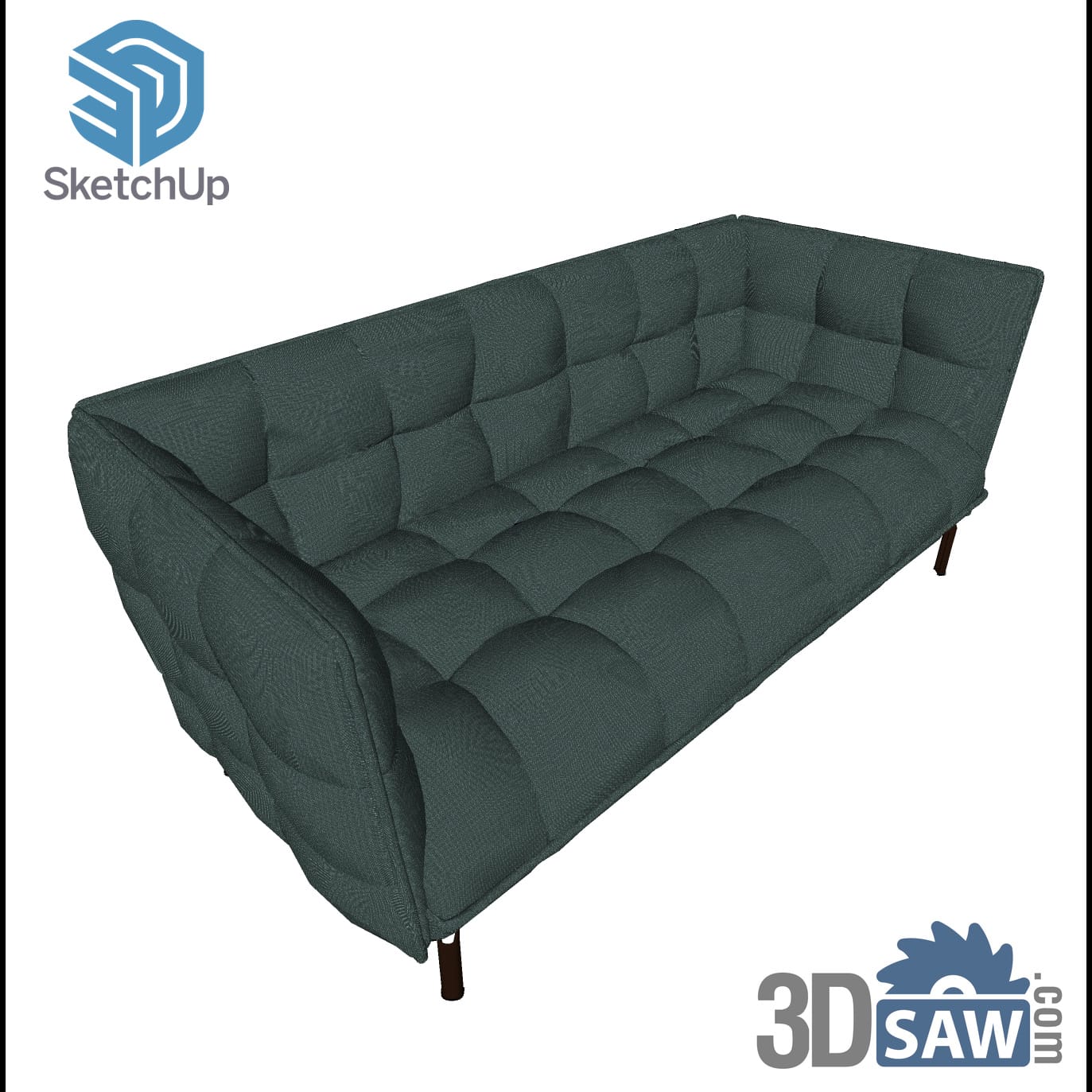
SketchUp Teal Green Button-Tufted Chesterfield-Style Sofa
SKP-1469Furniture
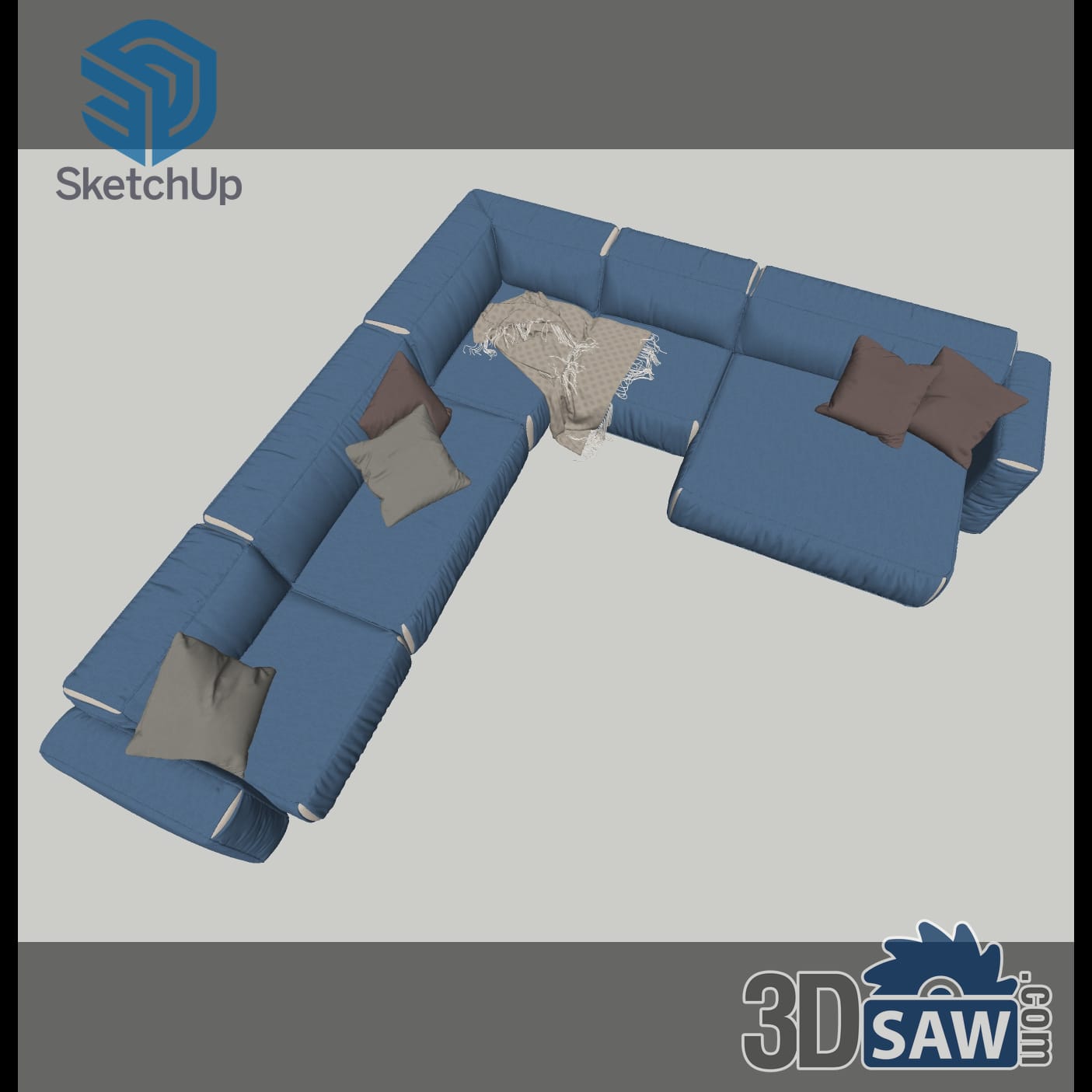
SketchUp Modern Blue L-Shaped Corner Sofa with Throw
SKP-1440Furniture

SketchUp Classic Chrome Six-Arm Beaded Crystal Chandelier
SKP-1412Lighting
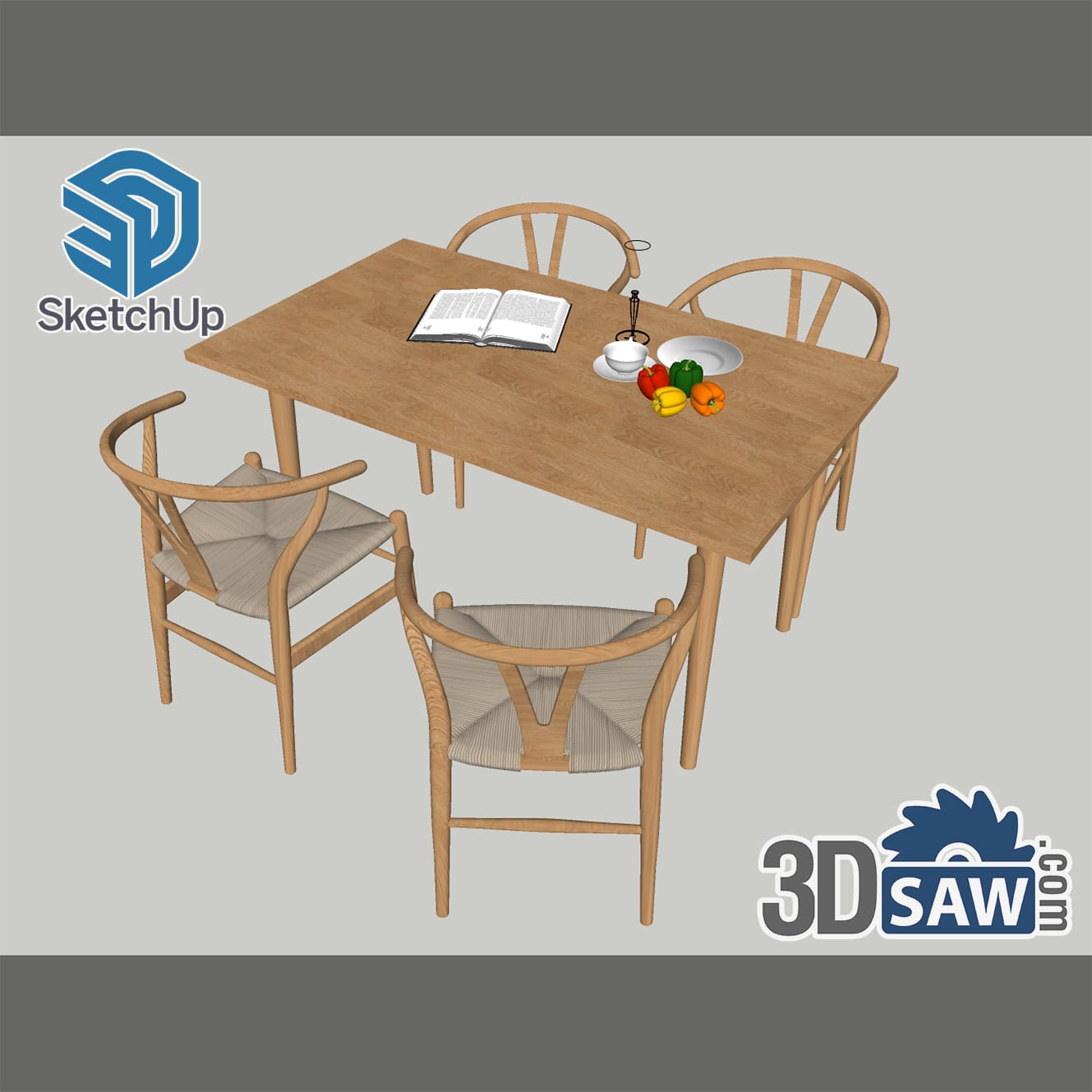
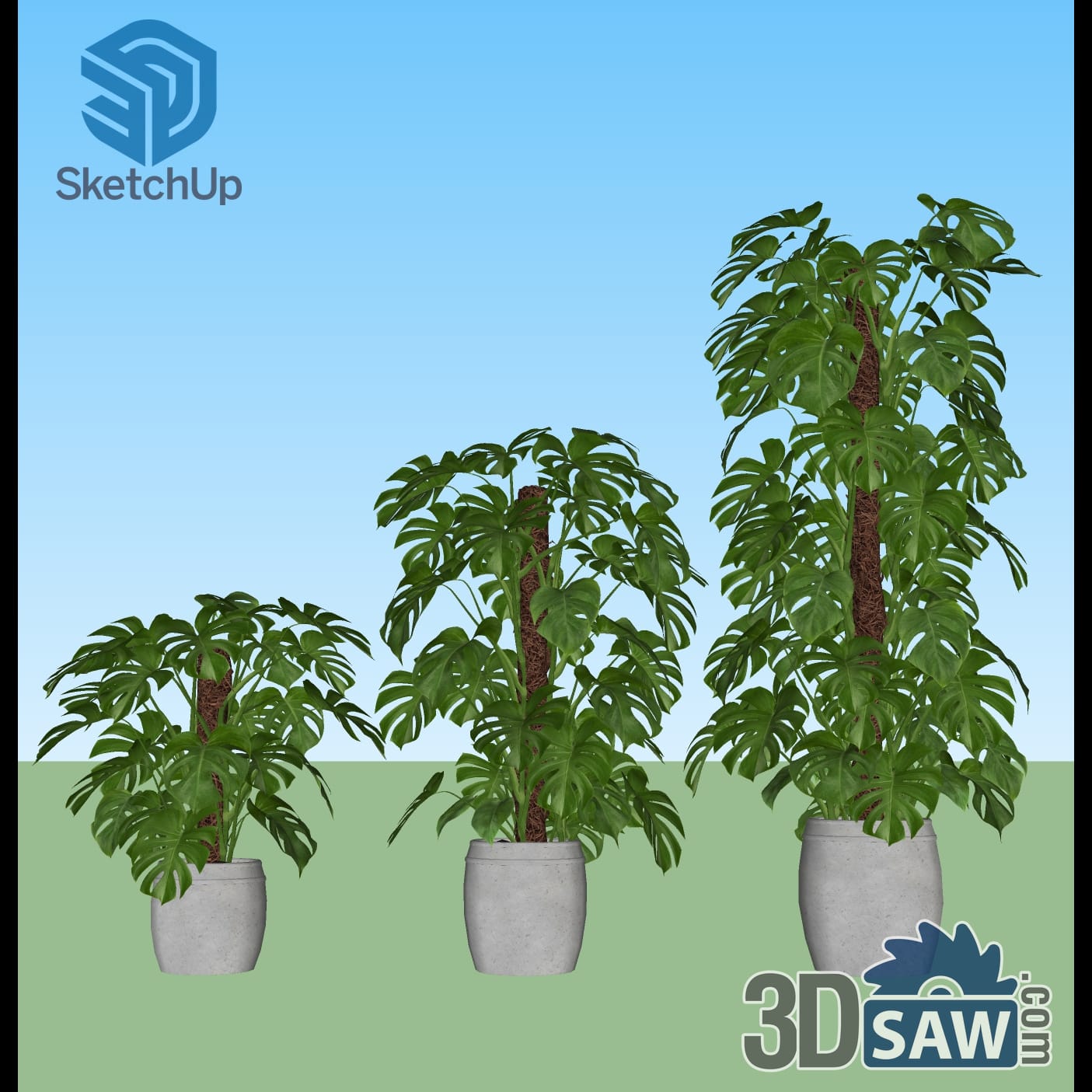
SketchUp Three Monstera Plants in Concrete Pots
SKP-1505Plants
The same works in the other direction: 3ds Max imports SketchUp files directly, with the geometry arriving as editable poly objects, so the .skp models can go into a 3ds Max scene as well.
Browse free SketchUp models →Furniture, lighting, decor, kitchens and plants in native .skp format.
Browse free 3ds Max models →Native .max files for 3ds Max, most set up for V-Ray.